





• New Horizons on Maelstrom
    Maelstrom New Horizons


    Visit our website www.piratehorizons.com to quickly find download links for the newest versions of our New Horizons mods Beyond New Horizons and Maelstrom New Horizons!

Ships for the Archipelago in New Horizons.

Viktor A Sakharov

Landlubber
I still don't know how to work with Sailor Points or create new ships without replacing old ones, and I still don't know how to create a new local cabin in the files. I have the cabins themselves, but I'm trying to figure everything out.

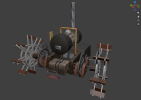
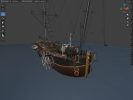
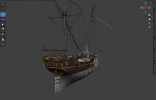
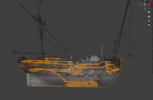
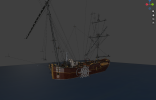
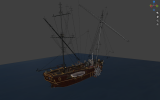
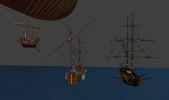
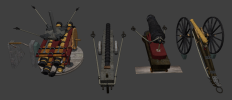
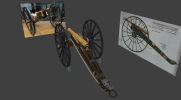
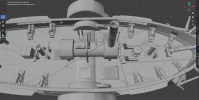
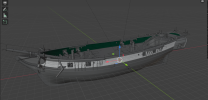
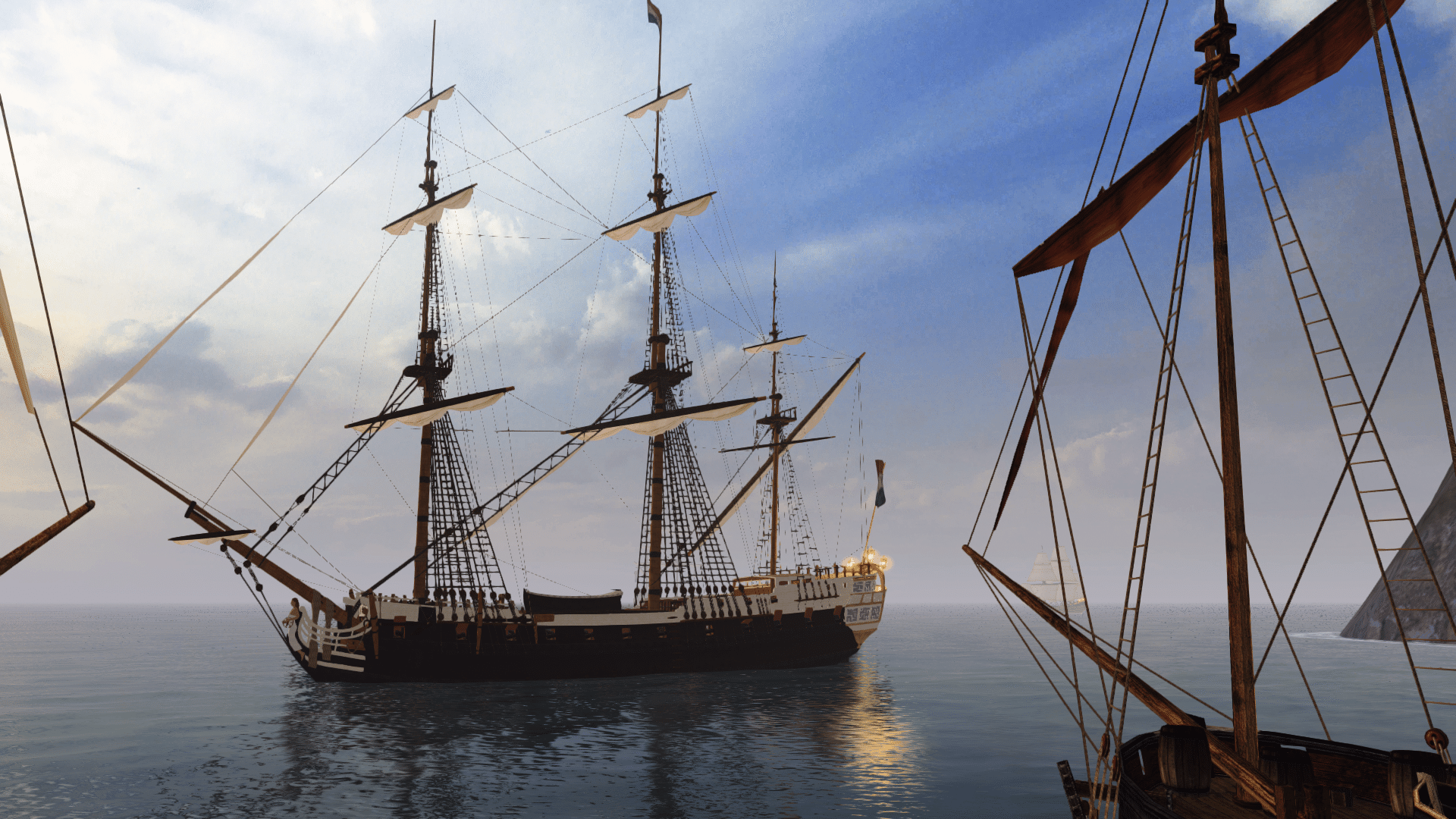
If anyone is interested in the ships I'm making, you can download them right now. However, there are no sailors on the deck yet, nor is there a new local cabin. When I figure it out, I'll edit the files.

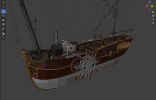
This folder contains the files for the airship and the Mercury steamship, textures, and the ship.init file. I don't know how to create mods yet, so you can download these ships and install them yourself.

The airship replaces the KetchNavy ship, and the Mercury brig replaces the Brig3.

You can see videos of these ships on my YouTube channel:
Airship.

Steamship.
 
New engine for the barge.
 

Attachments

  • Снимок экрана 2026-08-31 103953.png
    Снимок экрана 2026-08-31 103953.png
    426 KB · Views: 16
I'm in the process of trying to adapt the Mercury steam brig into Build 14.

It's not necessary to lose "Brig3" to put the ship into the game. First, rename your new folder "RESOURCE\MODELS\Ships\Brig3" to something different - I'm using "Mercury", you can use something else if you prefer. Rename all files in the folder to match, e.g. "Brig3.gm" becomes "Mercury.gm", "Brig3_cabin.gm" becomes "Mercury_cabin.gm", etc. Then you can put back the original "Brig3" folder.

In "PROGRAM\Ships\Ships_init.c", change the refShip.Name line to match your new model name. Edit "RESOURCE\INI\TEXTS\ENGLISH\ShipModels_descriptions.txt" to add a new section, e.g.:
Code:
Mercury_Descr{Prototype steam-propelled brig with a white
and black paint scheme. Engines operate 
separately from the sails.}
Replace "Mercury" with whatever name you chose for the model, but keep "_Descr" on the end. Replace the text inside the brackets with whatever you like. This is the description you'll see when you choose the ship in the storyline selection, and also in the shipyard when you look at repainting the ship.

Back to "Ships_init.c". If you like, you can change the refShip.SName line to something unique - I set it to "BrigSteam". Then edit "RESOURCE\INI\TEXTS\ENGLISH\\common.ini", find the section about ships, and add:
Code:
string = BrigSteam,"Steam brig"
This is what you'll see as the basic description in the shipyard, or in the spyglass if you look at someone else's ship of this type.

Also in "Ships_init.c", delete the refShip.Model line. This controls which ships can be repainted to which other ships in the shipyard. It's normally used to change the hull colour by switching to another model which is identical except for its textures. For example, "RN_Surprise" and "FR_Surprise" both have refShip.Model = "Unite"; which means you can repaint a British frigate of this type into a French frigate of the same type. So, if you have refShip.Model = "Brigqeen"; for your ship, then it can be repainted into a sailing brig, or that sailing brig can be repainted into the steam brig. Very odd things can happen if you repaint your ship into something different, so it's not a good idea! (But if you make another version of the steam brig in different colours, you can put back the refShip.Model with the same value for both ships, then you can repaint between them.)

The ship has these lines:
Code:
    refShip.Cannons.Borts.cannonf.qty = 2;
    refShip.Cannons.Borts.cannonb.qty = 2;
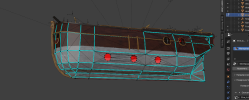
Those tell the game how many bow (cannonf) and stern (cannonb) guns the ship has. The model has no guns or locators for bow or stern guns, so these should both be 0. Otherwise, since the refShip.CannonsQuantity line tells the game that the ship has 32 guns, and those lines tell the game that 4 guns are in the bow and stern, it's probably only going to think there are 28 guns on the sides. So you may find that when you fire a broadside, you won't get as many shots as you expect.
 
I'm in the process of trying to adapt the Mercury steam brig into Build 14.

It's not necessary to lose "Brig3" to put the ship into the game. First, rename your new folder "RESOURCE\MODELS\Ships\Brig3" to something different - I'm using "Mercury", you can use something else if you prefer. Rename all files in the folder to match, e.g. "Brig3.gm" becomes "Mercury.gm", "Brig3_cabin.gm" becomes "Mercury_cabin.gm", etc. Then you can put back the original "Brig3" folder.

In "PROGRAM\Ships\Ships_init.c", change the refShip.Name line to match your new model name. Edit "RESOURCE\INI\TEXTS\ENGLISH\ShipModels_descriptions.txt" to add a new section, e.g.:
Code:
Mercury_Descr{Prototype steam-propelled brig with a white
and black paint scheme. Engines operate
separately from the sails.}
Replace "Mercury" with whatever name you chose for the model, but keep "_Descr" on the end. Replace the text inside the brackets with whatever you like. This is the description you'll see when you choose the ship in the storyline selection, and also in the shipyard when you look at repainting the ship.

Back to "Ships_init.c". If you like, you can change the refShip.SName line to something unique - I set it to "BrigSteam". Then edit "RESOURCE\INI\TEXTS\ENGLISH\\common.ini", find the section about ships, and add:
Code:
string = BrigSteam,"Steam brig"
This is what you'll see as the basic description in the shipyard, or in the spyglass if you look at someone else's ship of this type.

Also in "Ships_init.c", delete the refShip.Model line. This controls which ships can be repainted to which other ships in the shipyard. It's normally used to change the hull colour by switching to another model which is identical except for its textures. For example, "RN_Surprise" and "FR_Surprise" both have refShip.Model = "Unite"; which means you can repaint a British frigate of this type into a French frigate of the same type. So, if you have refShip.Model = "Brigqeen"; for your ship, then it can be repainted into a sailing brig, or that sailing brig can be repainted into the steam brig. Very odd things can happen if you repaint your ship into something different, so it's not a good idea! (But if you make another version of the steam brig in different colours, you can put back the refShip.Model with the same value for both ships, then you can repaint between them.)

The ship has these lines:
Code:
    refShip.Cannons.Borts.cannonf.qty = 2;
    refShip.Cannons.Borts.cannonb.qty = 2;
Those tell the game how many bow (cannonf) and stern (cannonb) guns the ship has. The model has no guns or locators for bow or stern guns, so these should both be 0. Otherwise, since the refShip.CannonsQuantity line tells the game that the ship has 32 guns, and those lines tell the game that 4 guns are in the bow and stern, it's probably only going to think there are 28 guns on the sides. So you may find that when you fire a broadside, you won't get as many shots as you expect.
That would be wonderful if the rotation locator is also in build 14. I wanted to ask about this, but I didn’t know who to ask. Today I’ll finish the new steamship. And I’ll try to configure it according to your description.
 

Attachments

  • Снимок экрана 2026-09-06 125130.png
    Снимок экрана 2026-09-06 125130.png
    465.5 KB · Views: 3
  • Снимок экрана 2026-09-06 125200.png
    Снимок экрана 2026-09-06 125200.png
    278.4 KB · Views: 3
  • Снимок экрана 2026-09-06 125249.png
    Снимок экрана 2026-09-06 125249.png
    390.6 KB · Views: 3
Back
Top