






Ahoy there!
A few days ago, I commented about this on one of the Official Discord Channels.
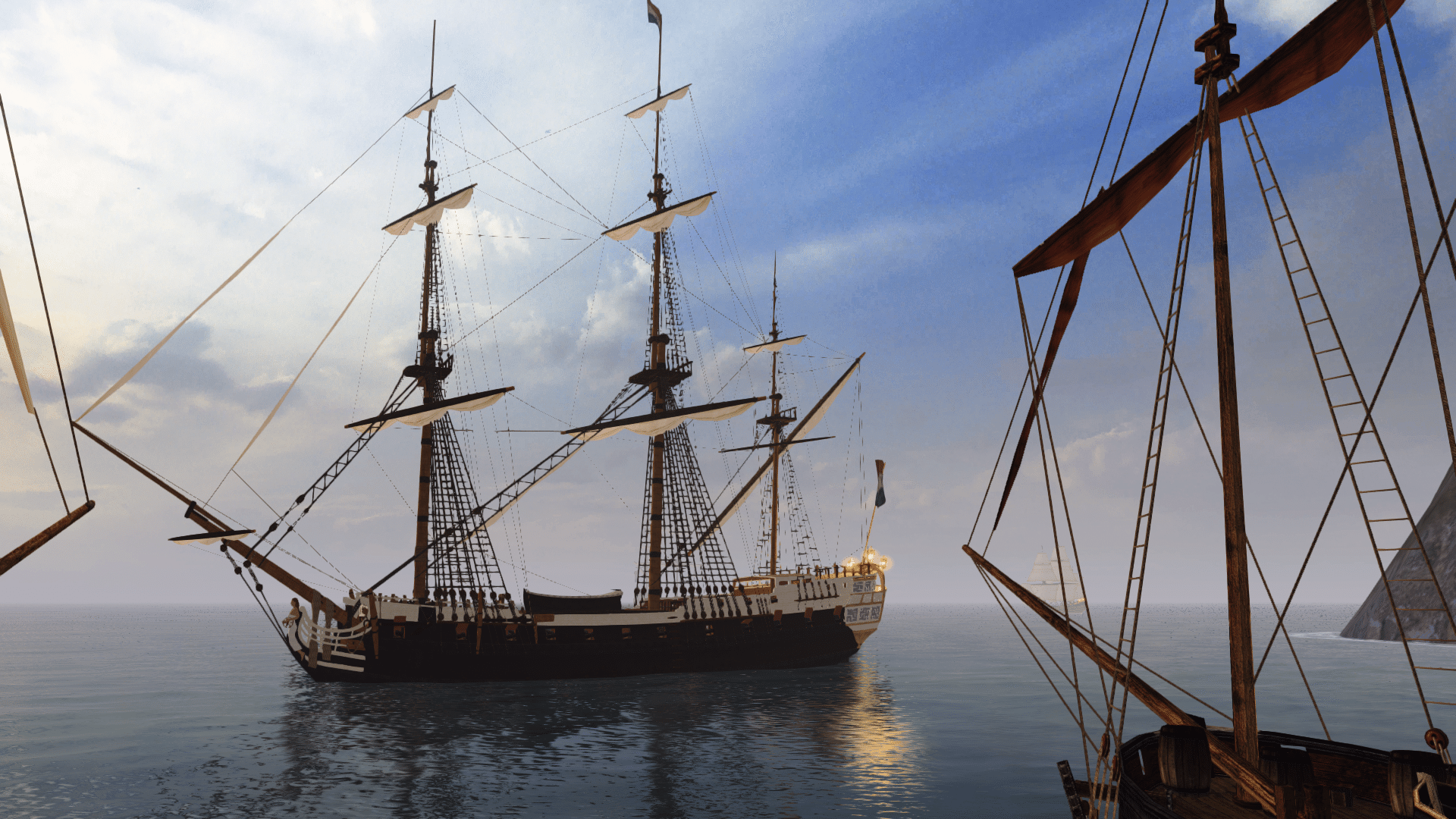
I want to contribute my Grain of Salt to the Mod, I don't know 3D modeling too much, but what I do know, Is to use some tools like some advanced versions of Paint or GIMP. So what I want to contribute, is to make Some new textures for the Ships of the Pirates of Caribbean Saga, to make them a bit more "Movie Accurate", mostly for the Wicked Wench/Black Pearl, for the "Cursed" (Davy Jones) Version of the Flying Dutchman, (maybe) the POTC Version of the Queen Anne's Revenge and the Sails of "The Empress" Junk (whose sails aren't dark red, are more close to a reddish orange).
I'd like to make these changes/new textures to be available for both of the Latest Versions of New Horizons, "the Beyond New Horizons" (Storm Engine) and the "New Horizons Refined" (Poseidon Engine) of the Mod. (I suppose, If I make some version based on the Main principal Texture archives, should be available to use for both of the Versions of the Mod, or not?).
I'm also planning to make three additional textures more Lore-Accurate to what the book "The Price of Freedom" stated that were the colors of the Wicked Wench serving as an EITC Vessel, as stated by fellow @Toforou on this thread here.
So what I want to know is, where are the texture used for both Versions of the Mod? I'd like to help, but first be guided by the Community with the Wicked Wench and then the Black Pearl (Which I think they use the same models, but different textures as I have investigated).
I'm currently unemployed, so I have a lot of time these weeks, so I'd love to spend it helping on this.
Lately, I've been Investigating a lot about the -complicated topic of the- colors of the Ships of the POTC Saga, so I think is what I know better.
A few days ago, I commented about this on one of the Official Discord Channels.
I want to contribute my Grain of Salt to the Mod, I don't know 3D modeling too much, but what I do know, Is to use some tools like some advanced versions of Paint or GIMP. So what I want to contribute, is to make Some new textures for the Ships of the Pirates of Caribbean Saga, to make them a bit more "Movie Accurate", mostly for the Wicked Wench/Black Pearl, for the "Cursed" (Davy Jones) Version of the Flying Dutchman, (maybe) the POTC Version of the Queen Anne's Revenge and the Sails of "The Empress" Junk (whose sails aren't dark red, are more close to a reddish orange).
I'd like to make these changes/new textures to be available for both of the Latest Versions of New Horizons, "the Beyond New Horizons" (Storm Engine) and the "New Horizons Refined" (Poseidon Engine) of the Mod. (I suppose, If I make some version based on the Main principal Texture archives, should be available to use for both of the Versions of the Mod, or not?).
I'm also planning to make three additional textures more Lore-Accurate to what the book "The Price of Freedom" stated that were the colors of the Wicked Wench serving as an EITC Vessel, as stated by fellow @Toforou on this thread here.
So what I want to know is, where are the texture used for both Versions of the Mod? I'd like to help, but first be guided by the Community with the Wicked Wench and then the Black Pearl (Which I think they use the same models, but different textures as I have investigated).
I'm currently unemployed, so I have a lot of time these weeks, so I'd love to spend it helping on this.
Lately, I've been Investigating a lot about the -complicated topic of the- colors of the Ships of the POTC Saga, so I think is what I know better.
Last edited:


